
 BeachSea
 Sea, wind and swim safety
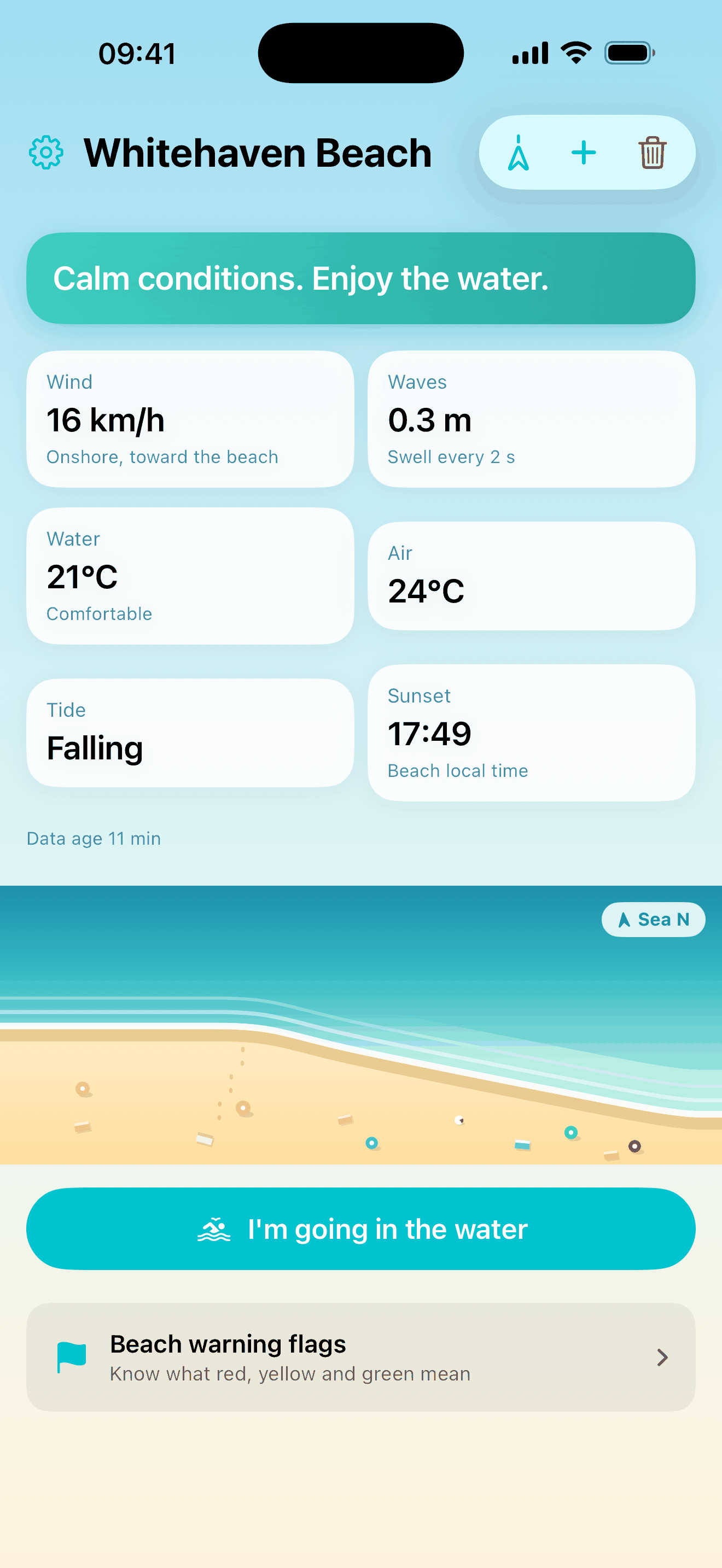
BeachSea tells you whether the sea looks okay at your beach right now, in plain language. It reads the wind, waves, water temperature and tide for the beaches you actually swim at, warns you when the wind turns offshore, and points you back to shore while you are in the water.
Guides
It reads the sea for you
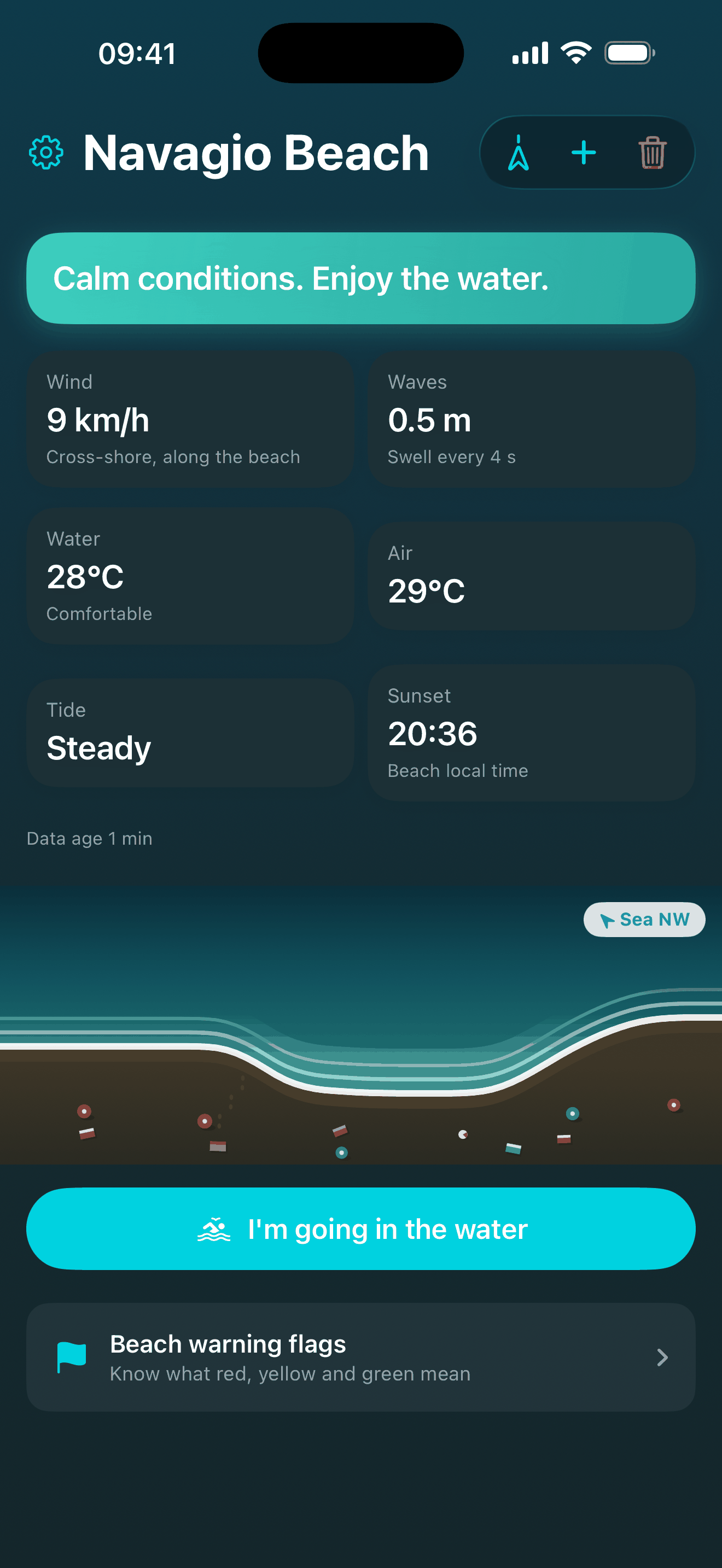
Save the beaches you swim at and BeachSea shows the wind, waves, water and air temperature, the tide trend and sunset for each one, in the beach's own local time. It reads those numbers for you rather than leaving you to work them out, and it stays quiet when there is nothing worth saying.
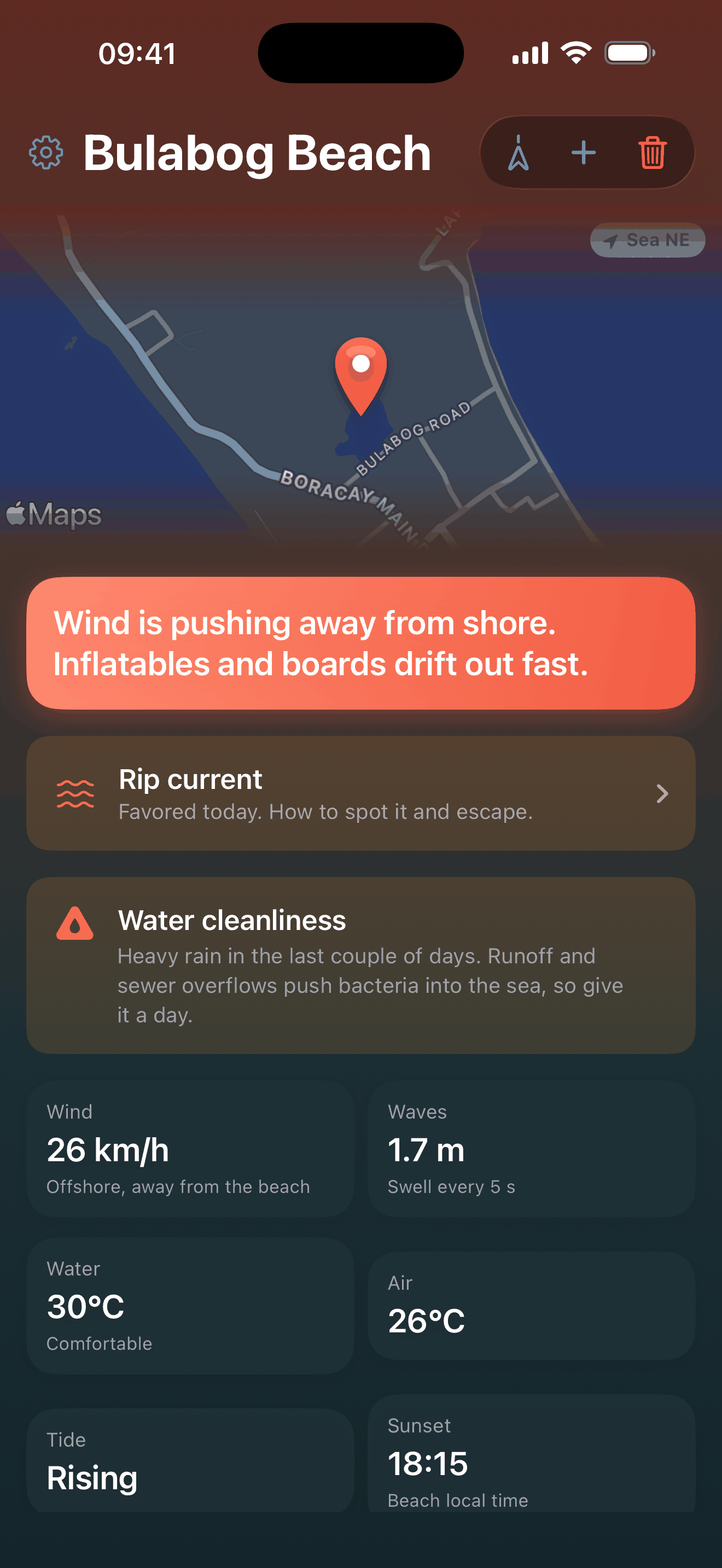
The warning it exists for is offshore wind
Wind blowing from the beach out to sea flattens the water near the shore, so it looks inviting while it pushes anything that floats away from land. Tell BeachSea which way your beach faces and it can see that happening, along with a swell that is turning rough and water cold enough to cut a swim short.
Rip currents, and how to get out of one
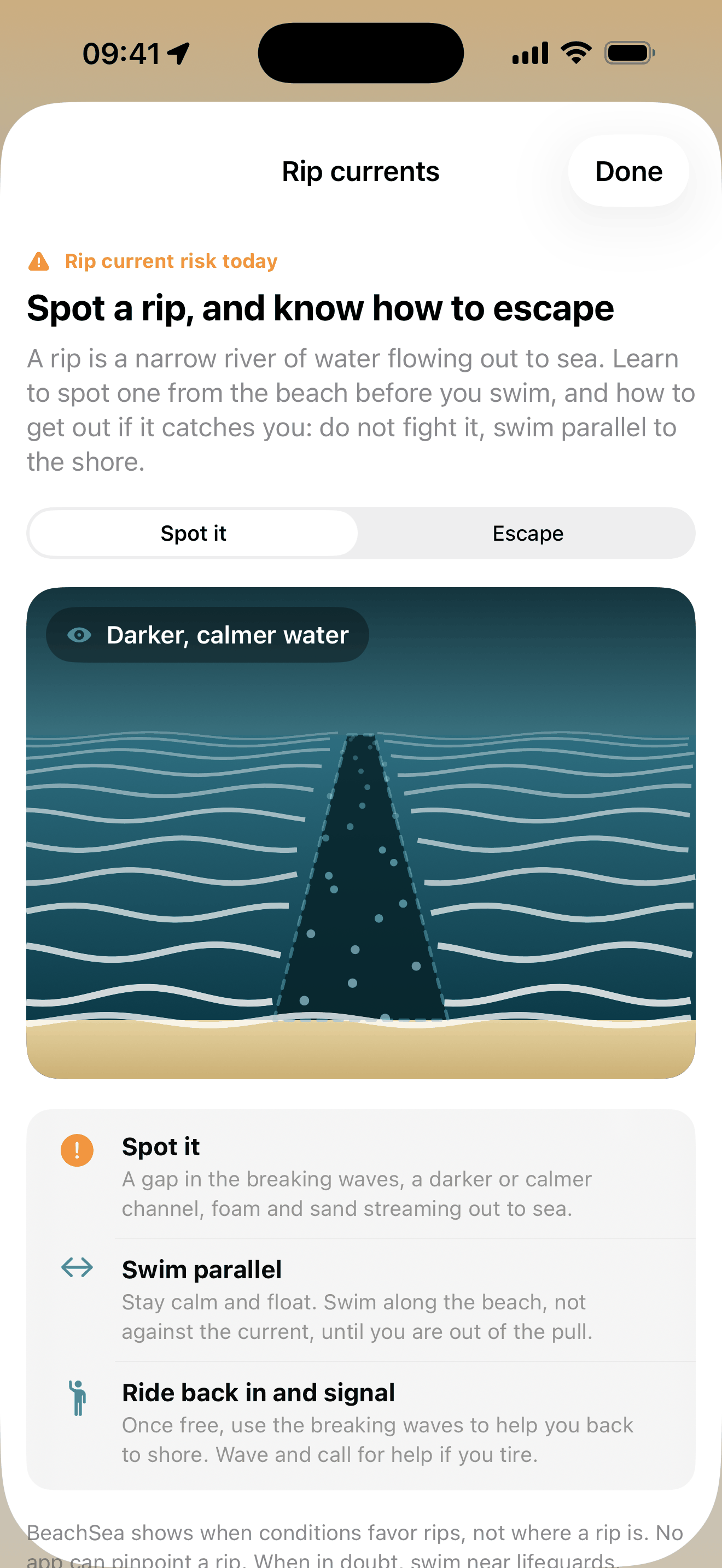
BeachSea tells you when conditions favour rip currents, and teaches you what to do about one: how to spot the gap in the breaking waves from the beach, and how to get out by swimming parallel to the shore instead of fighting the pull. It never claims to know where a rip is, because nothing can.
One arrow back to shore
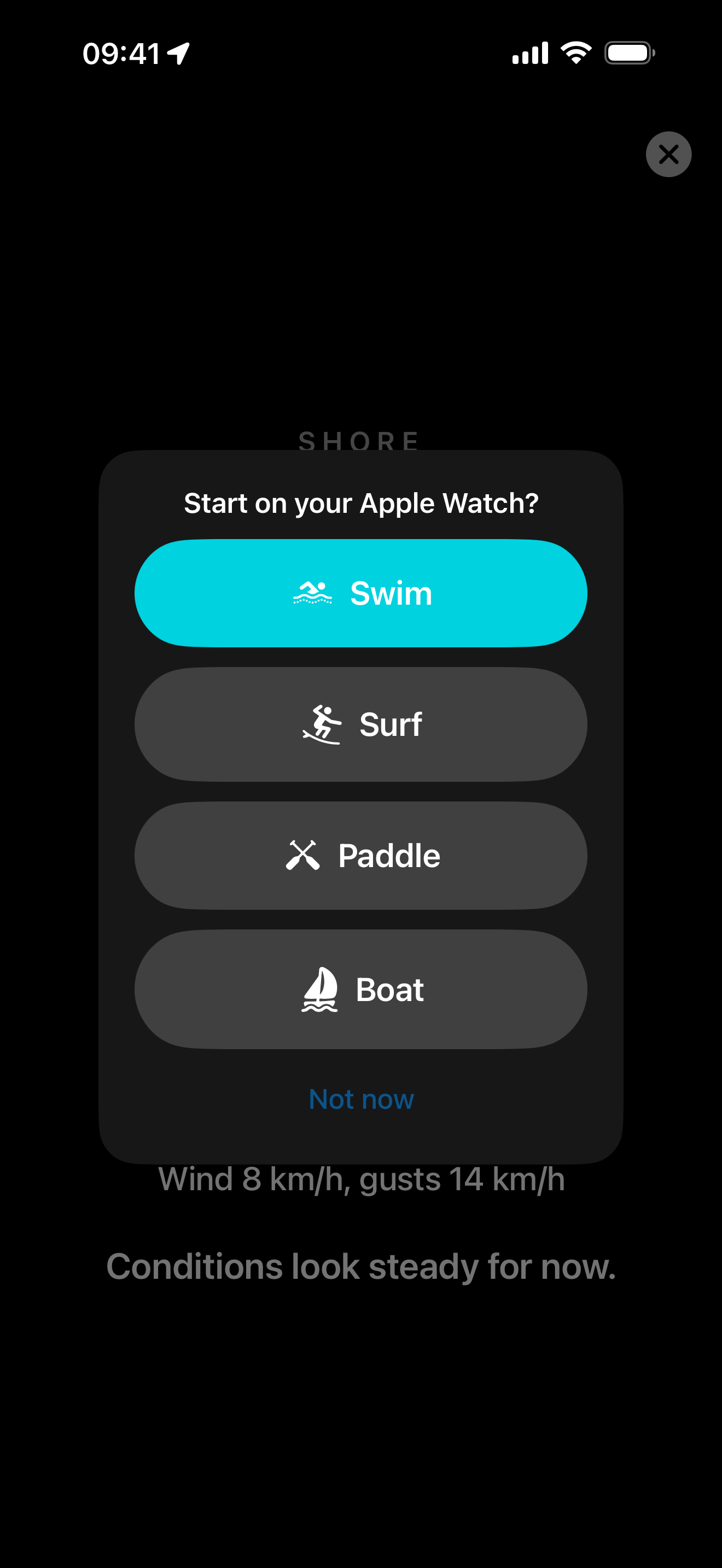
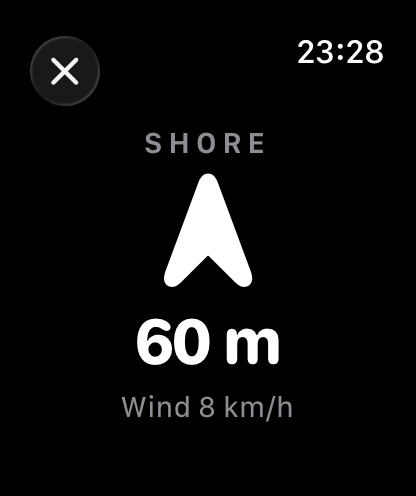
Before you go in, tap "I'm going in the water". The screen turns black with huge text, keeps itself awake, and shows one arrow pointing back to shore with the distance. With an Apple Watch the arrow moves to your wrist: pick Swim, Surf, Paddle or Boat and the watch runs the session as a workout of that type, pointing you home with its own GPS and compass while your phone stays on the sand.
BeachSea is guidance, not a guarantee. Conditions change faster than any forecast and no app can see the water in front of you, so obey the posted flags, swim near lifeguards, and when in doubt, stay out.