
Getting started with LiveHeight
Set up permissions, read your elevation, and start tracking a hike.
Welcome to LiveHeight. This guide gets you set up and ready for your first hike.
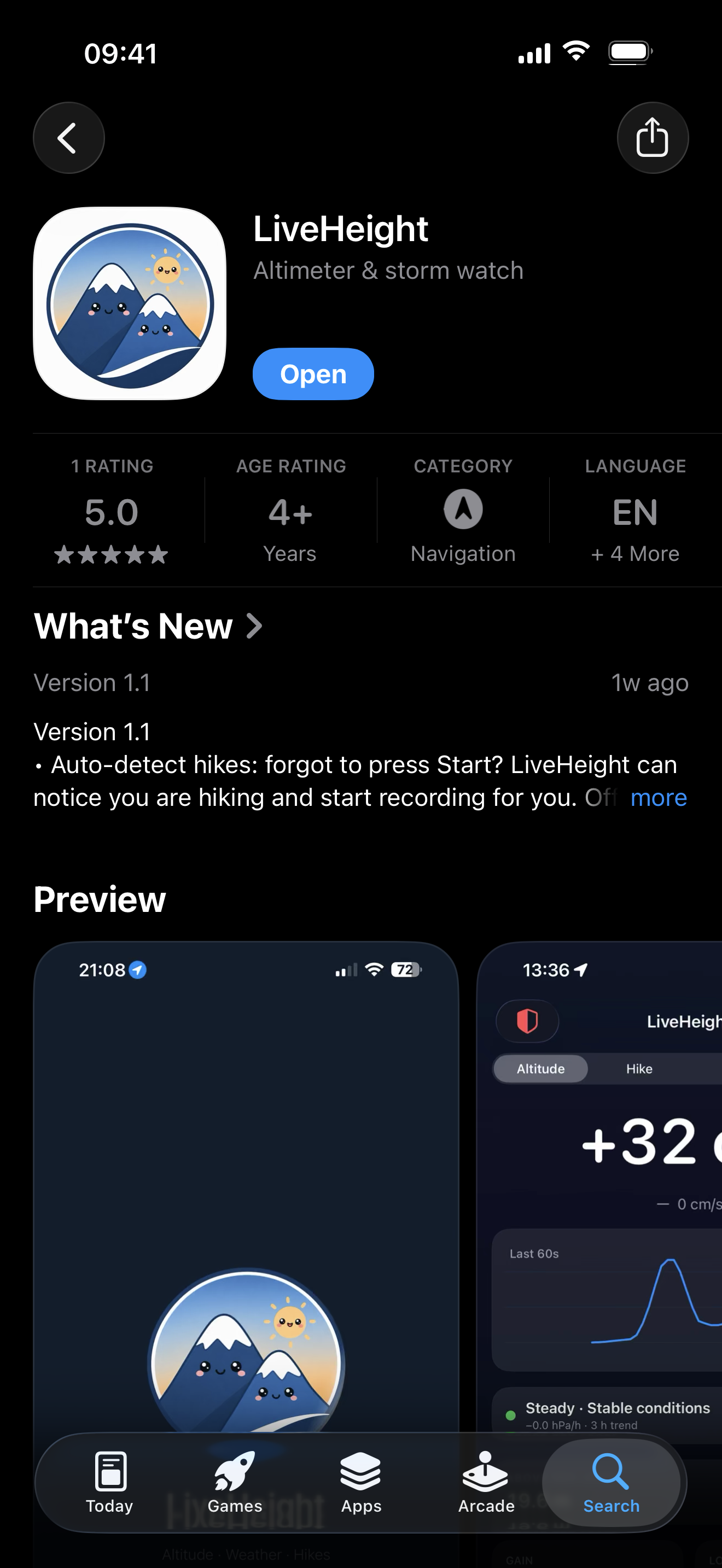
2. Allow location and motion access
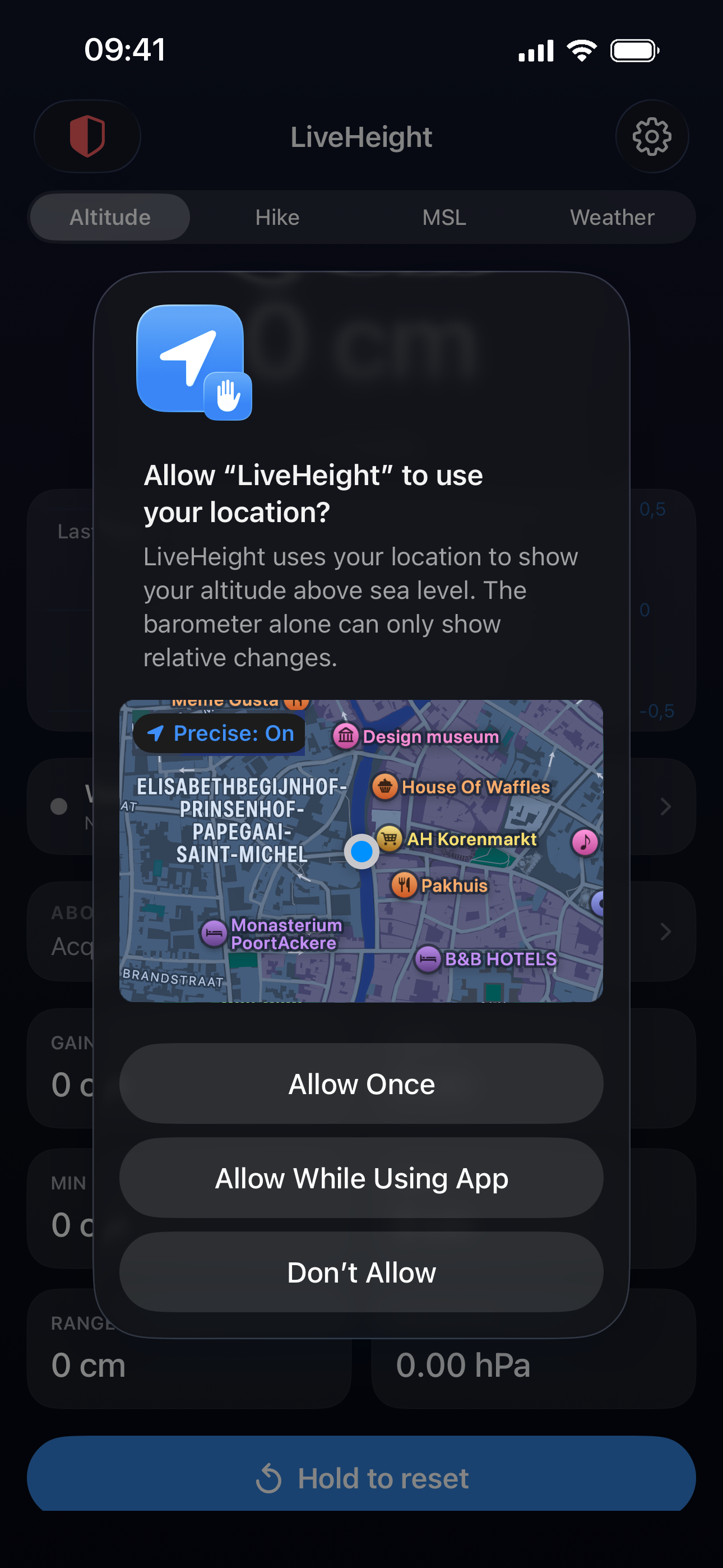
LiveHeight uses your location and your phone’s barometer to show accurate elevation and to watch the weather. Allow access when the app asks.
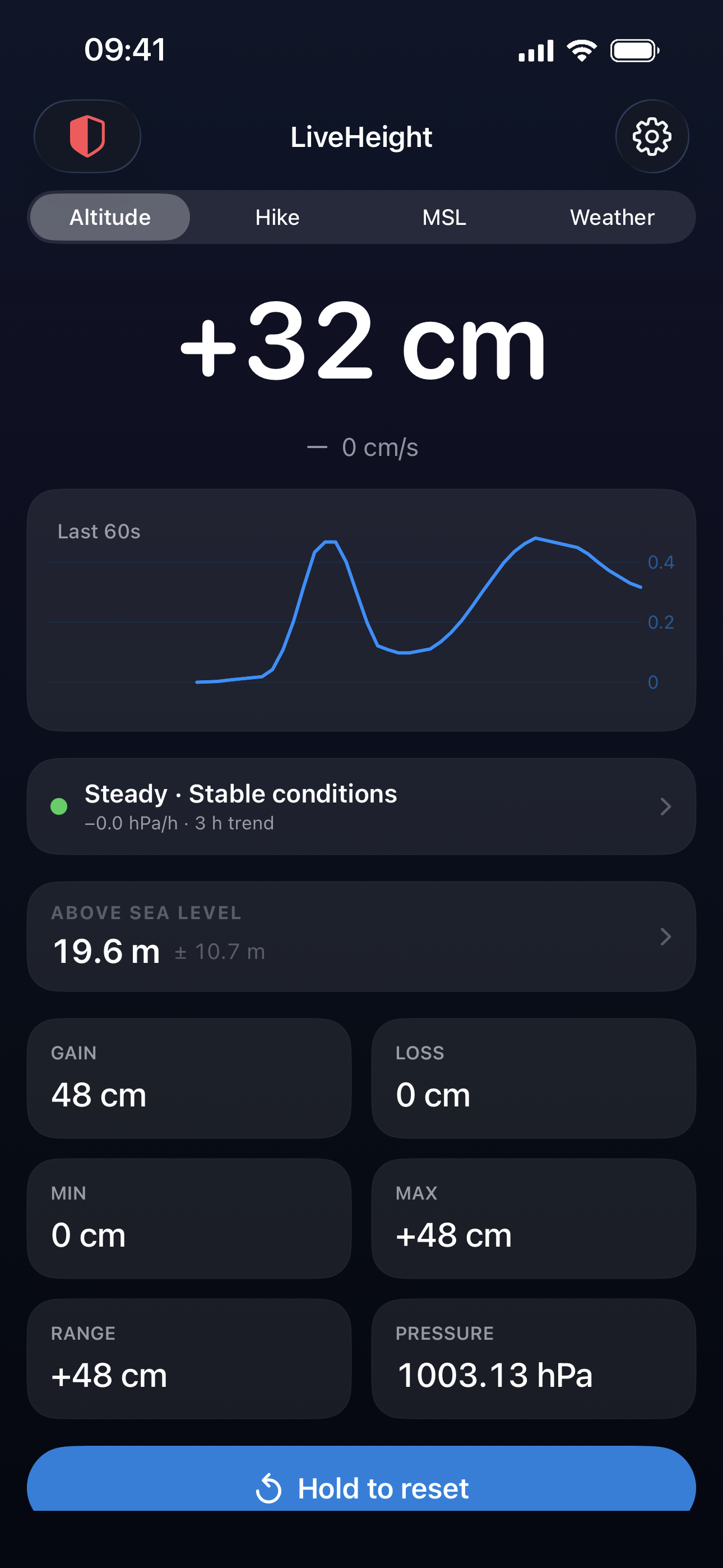
3. Read your current elevation
Your current height appears on the main screen. You can switch between metres and feet in settings.
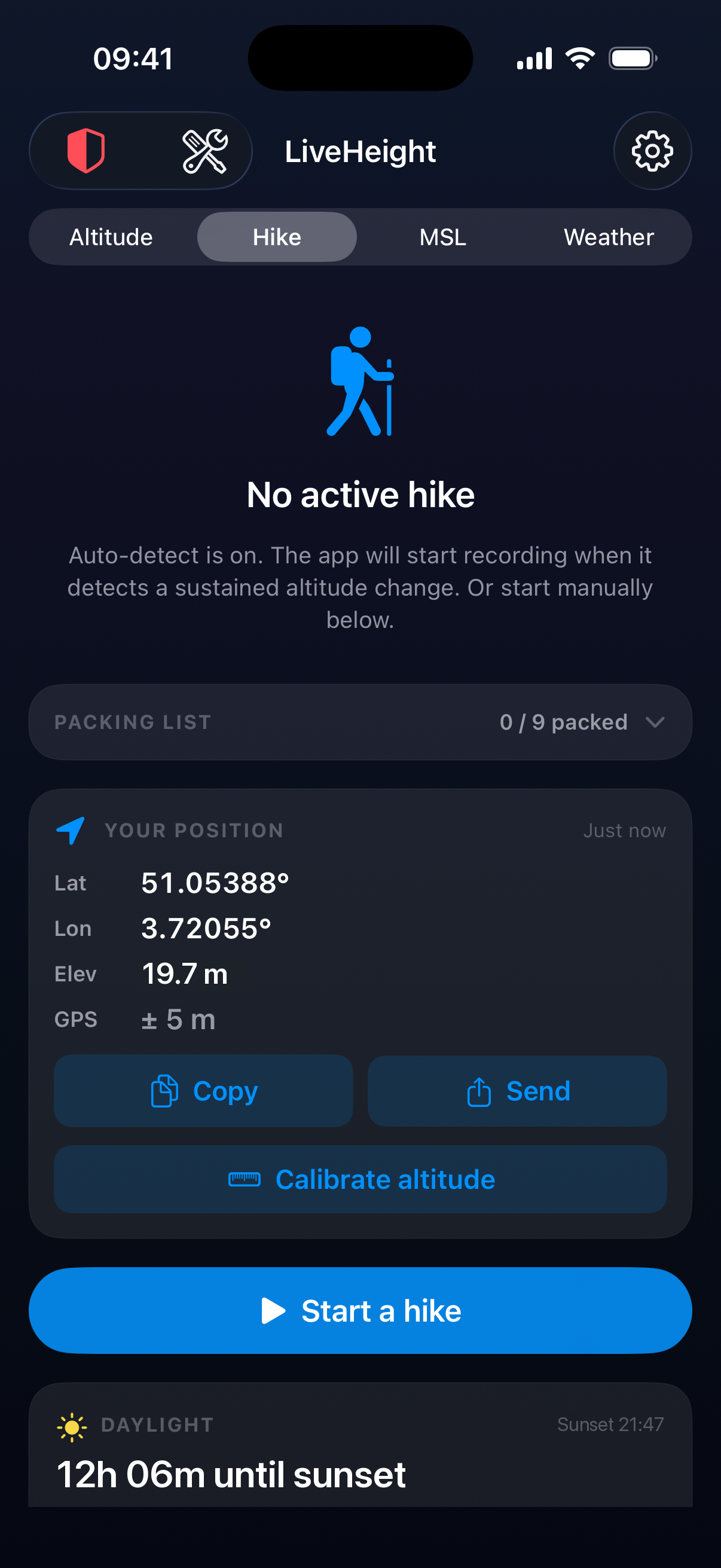
4. Start a hike
Tap start to begin tracking. LiveHeight keeps your elevation and progress visible, even on your lock screen, so you can check it at a glance on the trail.
You are ready to hit the trail. The next guide explains how LiveHeight watches the weather while you walk.