
Getting started with Alrighty?
Say who the phone is for, pick how you check in, let your steps count, and link with your people.
Alrighty? lets the people who care about you know you’re OK, without calls or messages. You check in, and they only hear from the app if you miss one. Your people install Alrighty? too. Setting it up takes a couple of minutes, and there is no account to make.
1. Who is this phone for?
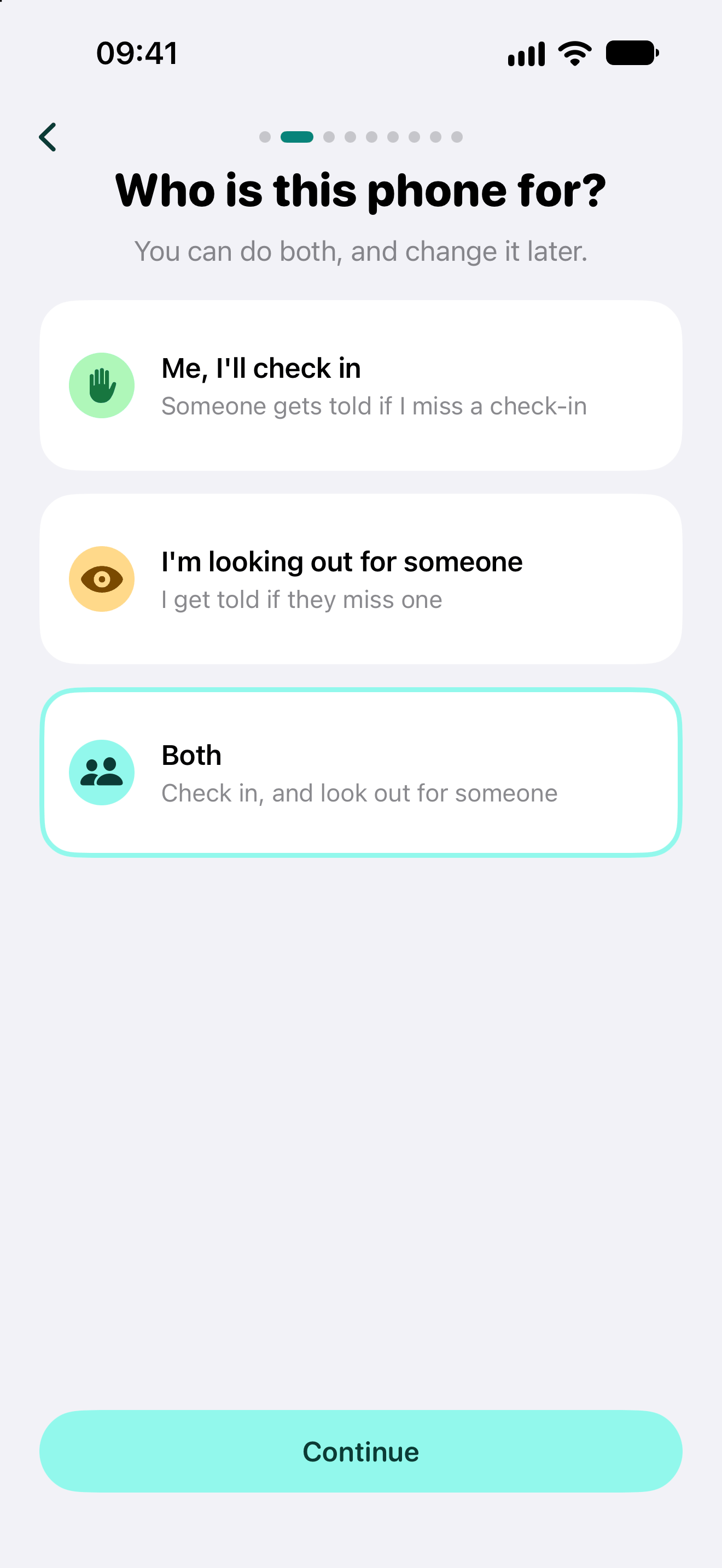
The first time you open the app, it asks who the phone is for:
- Me, I’ll check in: someone gets told if you miss a check-in.
- I’m looking out for someone: you get told if they miss one.
- Both: check in, and look out for someone too.
Then type your first name. It stays on your phone and the phones you link with, never on our server. You can change all of this later in Settings.
2. Pick how you check in
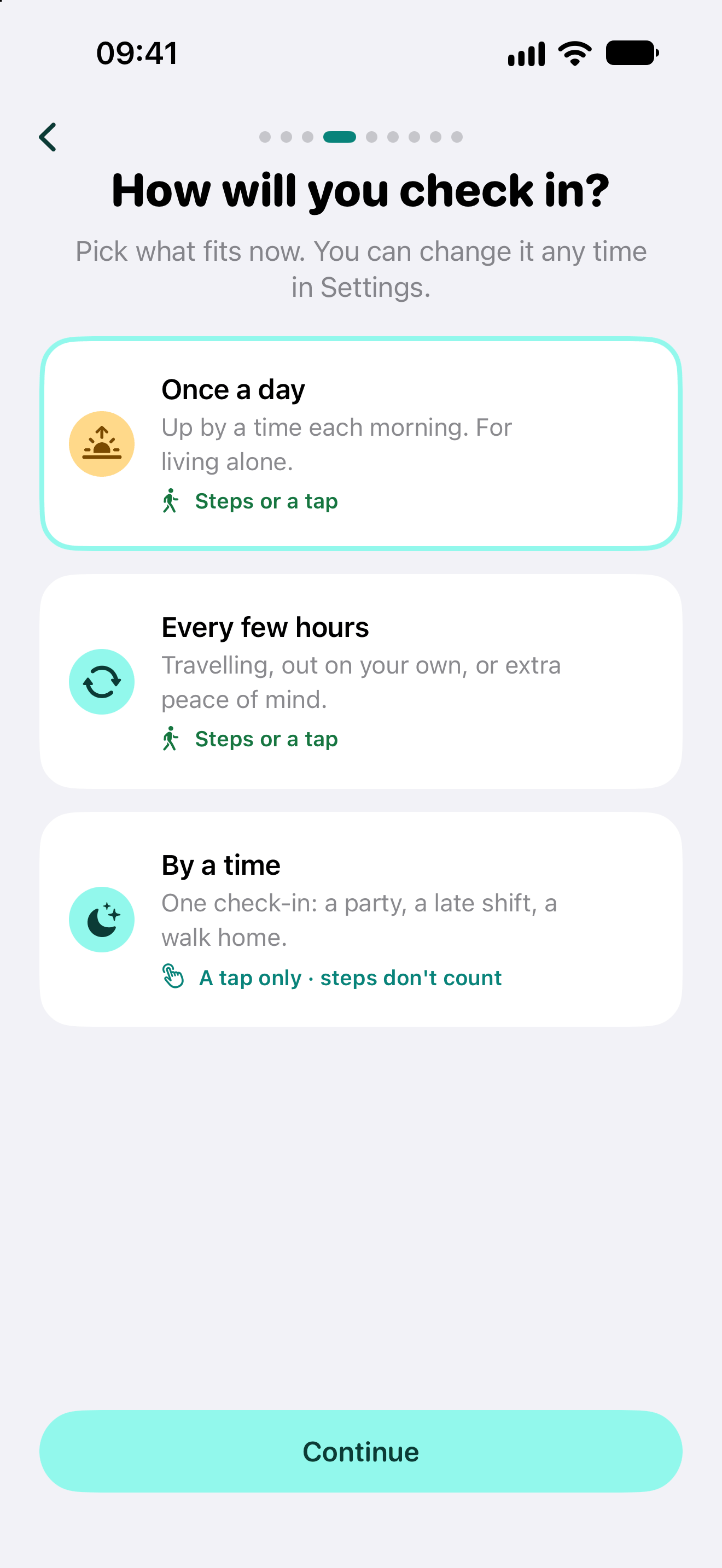
- Once a day: be up by your usual time each morning. Good for living alone. Different times on some days, like a lie-in at the weekend, are fine.
- Every few hours: for travelling, a day out on your own or extra peace of mind, from every hour up, between the times you choose.
- By a time: one check-in for tonight. A party, a late shift, a walk home.
Nothing is expected before your time, and nobody is woken. You can switch plans any time in Settings.
3. Let your steps check you in
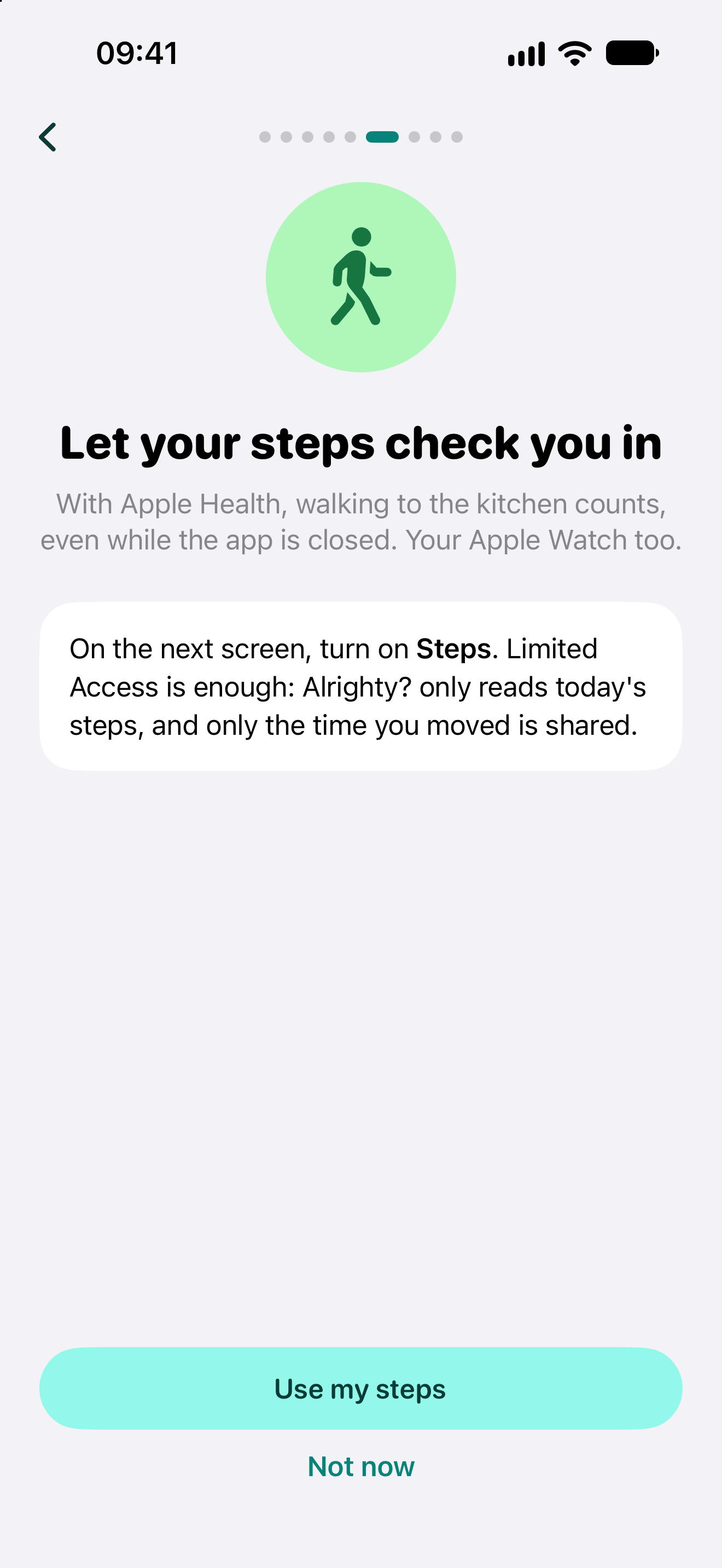
On the once a day and every few hours plans, moving is a check-in. Tap Use my steps and turn on Steps on the Apple Health screen that follows. Walking to the kitchen counts, even with the app closed, and so does your Apple Watch.
Alrighty? only reads today’s steps, on your iPhone. The only thing it shares is the time you moved, as your check-in.
By a time is a tap only: steps don’t count there.
4. Link with your people
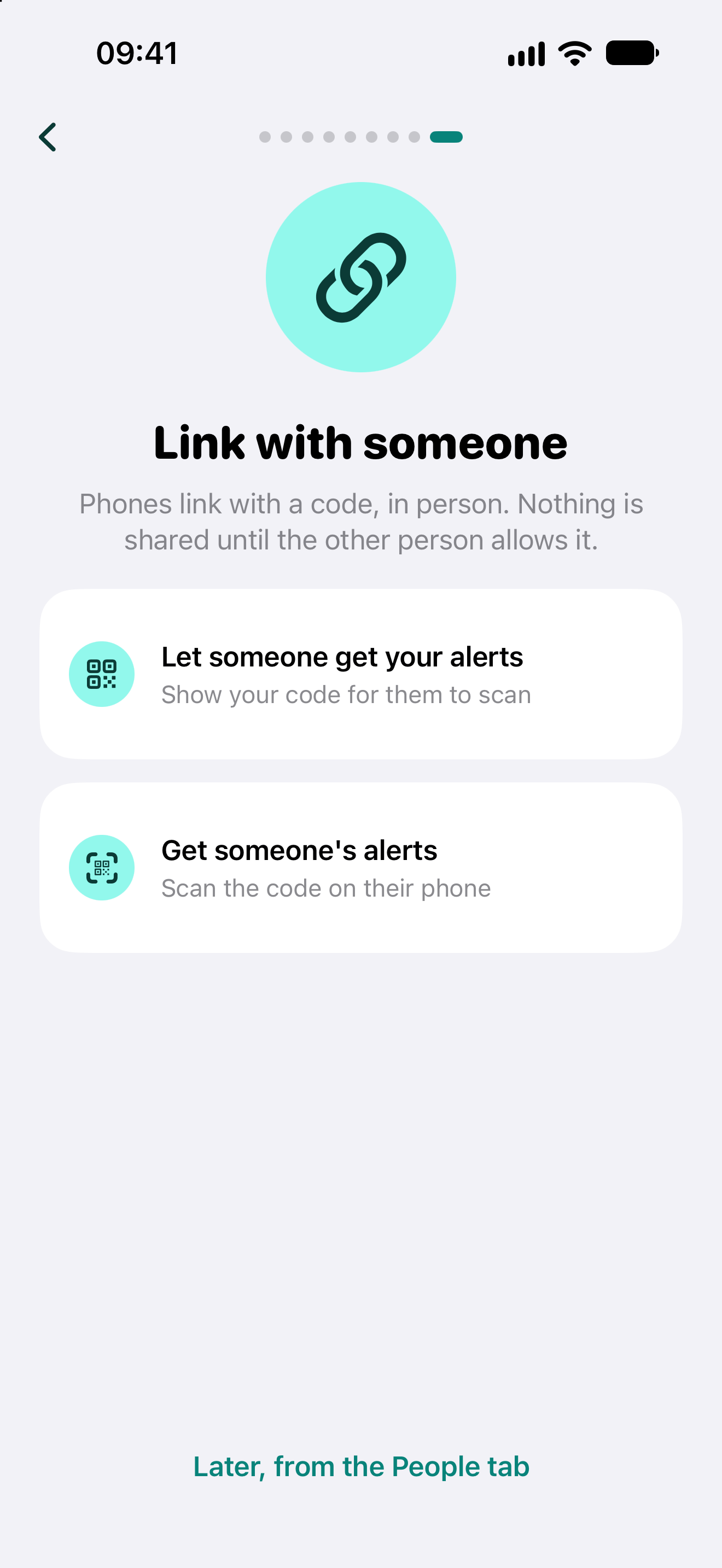
Linking is done in person, phone to phone. On the phone of the person checking in, tap Let someone get your alerts to show a code. On the other phone, tap Get someone’s alerts and scan it. The person checking in is then asked to allow it, and nothing is shared before they do.
Not together right now? Choose Later, from the People tab: the same two buttons are there. Either of you can stop sharing at any time, from the person’s page in the People tab, and the other is always told.
5. Check in
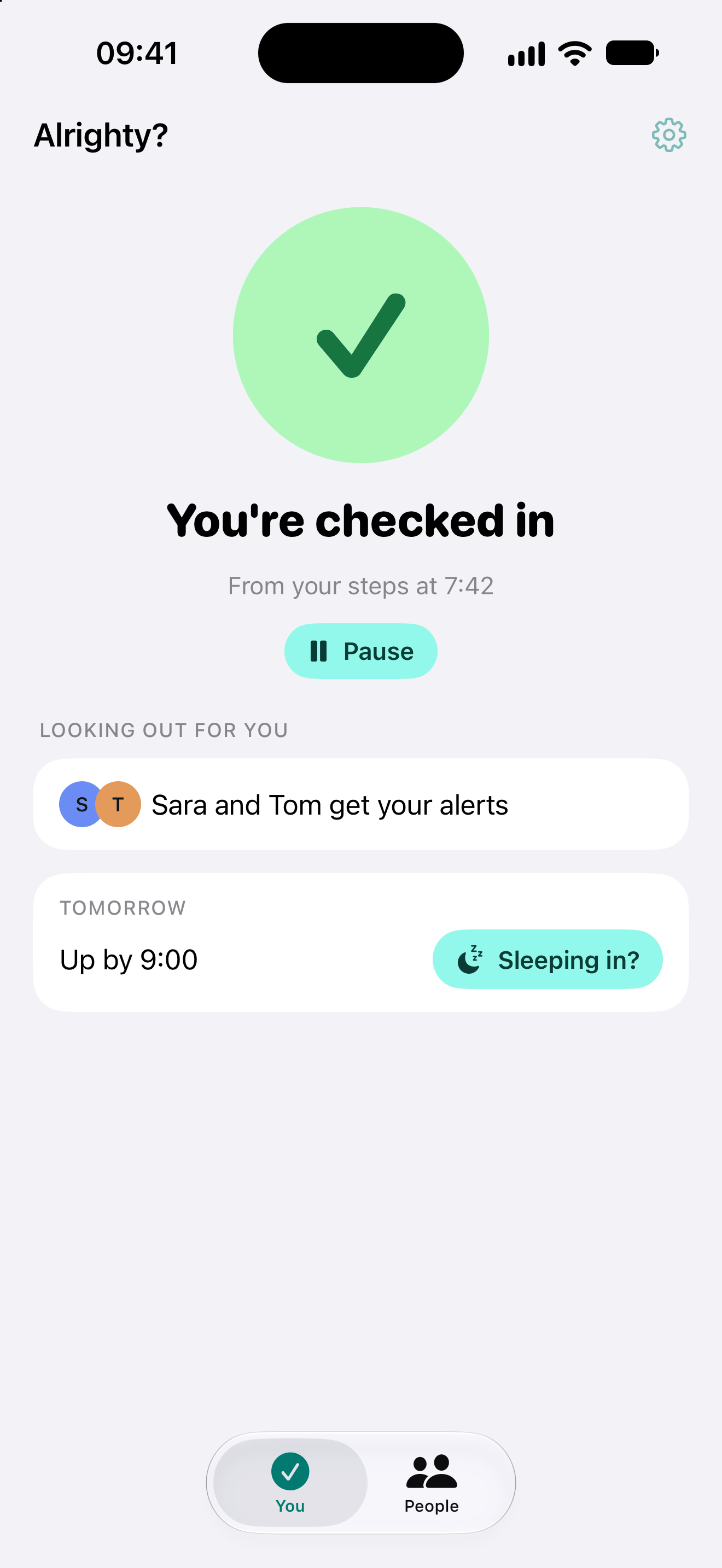
Most days there is nothing to do: you get up, move around, and the home screen says You’re checked in, with the time and how (“from your steps at 7:42”).
Rather tap, or on By a time? Tap Alrighty! in the app, on the reminder, or on the Lock Screen card.
Underneath, you see who gets your alerts, and your plan for tomorrow with a Sleeping in? button for a later start.
When a check-in is missed explains what happens next, step by step: the reminder, the wait, and what your people see.
Alrighty? helps you stay in touch. It is not an emergency service and cannot guarantee anyone’s safety. In an emergency, call your local emergency number.